Do You Actually Know How Secure Your Business Is?
By Andes Security Consulting
Most small and midsize businesses believe they’re secure—until something breaks, data is lost, or an account gets compromised. A cybersecurity assessment is simply a structured way to answer one important question:
“Are we protected, and if not, what should we fix first?”
This guide breaks down the key areas to review in a clear and straightforward way, helping you quickly understand where your security posture stands.
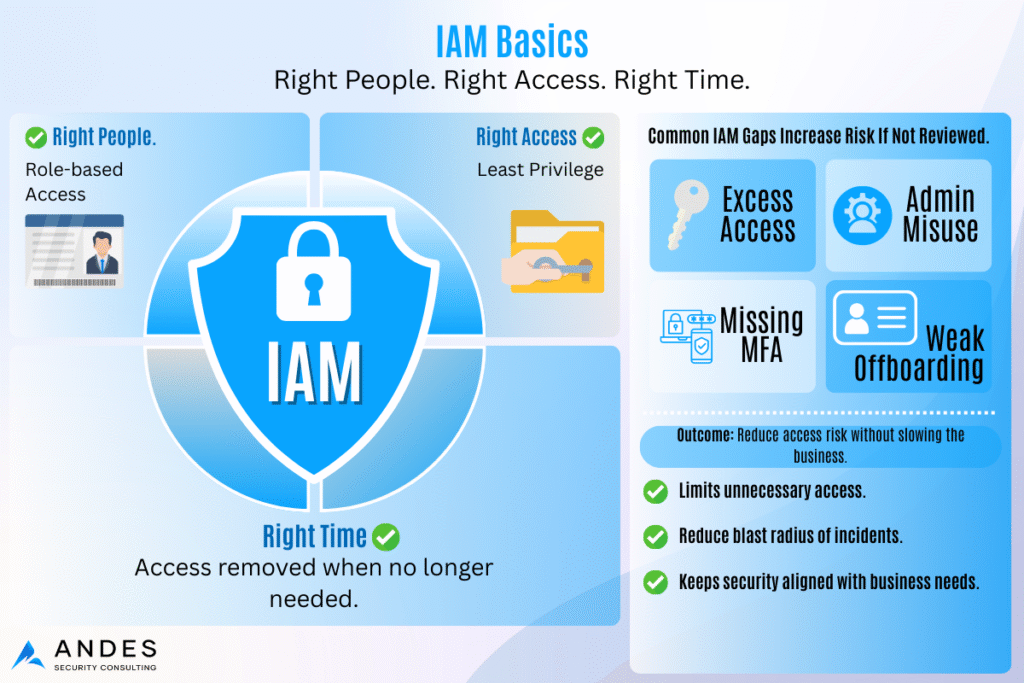
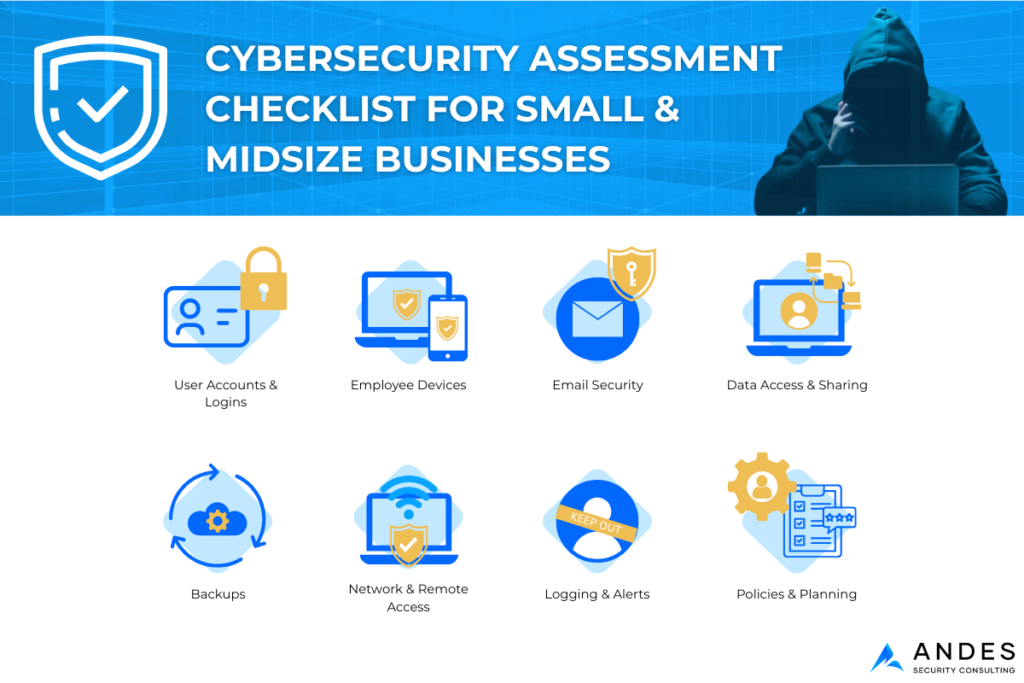
1. User Accounts & Logins (The #1 Risk Area)
If an attacker gains access to just one user account, they often gain access to everything.
Organizations should evaluate whether all employees use multi-factor authentication (MFA) for email and cloud tools, whether former employees have been fully removed, and whether administrative access is limited to only a few trusted users. Administrators should also use separate accounts for high-level access.
Our Recommendation: If MFA is not enabled everywhere, turn it on immediately. MFA can block the vast majority of automated account-compromise attempts.
2. Employee Devices (Laptops, Desktops, and Phones)
Every device connected to your business environment is a potential entry point for attackers.
Businesses should confirm that operating systems and browsers are kept up to date, endpoint detection and response (EDR) tools are installed and actively updating, disk encryption is enabled to protect data on stolen devices, and lost or stolen devices can be remotely wiped.
If you’re unsure about several of these controls, a cybersecurity assessment can help confirm what’s in place and what needs attention.
3. Email Security (Where Most Attacks Start)
Phishing remains one of the most common and effective attack methods, especially through email.
Organizations should review whether spam and phishing filters are enabled, users see warnings for emails coming from outside the company, fake “invoice” or “password reset” emails are being blocked, and employees are regularly reminded what phishing attempts look like.
Enabling advanced email filtering and implementing regular phishing-awareness training helps ensure users can recognize and report suspicious emails.
4. Data Access & Sharing
Sensitive data should never be accessible to everyone by default.
Businesses should understand where sensitive data is stored—such as cloud drives, accounting software, or CRM platforms—and who has access to it. Public file sharing “for convenience” and excessive permissions significantly increase risk. Access should be removed promptly when roles change.
Too much access equals unnecessary exposure.
5. Backups (Your Safety Net)
Backups are a critical safeguard against ransomware and accidental data loss—but only if they are protected and tested.
Organizations should confirm that backups run automatically, someone regularly verifies they are working, file restoration has been tested at least once, and backups are protected from deletion or encryption.
Many companies have backups in place but have never tested them.
6. Network & Remote Access
Basic network hygiene still plays a major role in preventing attacks.
Businesses should ensure default passwords on routers and firewalls are changed, guest Wi-Fi is separated from business systems, remote access methods such as VPN or RDP are protected with MFA, and unused or outdated access methods are disabled.
These small steps block many easy attack paths.
7. Logging & Alerts (So You Know When Something Goes Wrong)
If suspicious activity occurs, would you know?
At a minimum, organizations should log user logins and administrative activity, receive alerts for unusual sign-ins or access changes, monitor email forwarding rules and admin changes, and retain logs long enough to investigate incidents.
You don’t need expensive tools to start—basic visibility and a few high-signal alerts provide significant value.
8. Policies & Basic Planning
Security documentation doesn’t have to be complicated to be effective.
Businesses should document acceptable use rules, password and MFA expectations, incident reporting procedures, and any applicable compliance requirements such as HIPAA, SOC 2, or PCI DSS.
Even simple documentation improves response time during a security incident.
What You Should Get From a Professional Cybersecurity Assessment
A proper cybersecurity assessment should provide:
- A clear picture of your current risk
- A prioritized list of what to fix first
- Practical recommendations, not theory
- A roadmap that fits your business size and budget
No fluff. No unnecessary tools.
Cybersecurity isn’t about being perfect—it’s about being prepared. If you’re unsure how many of these areas you can confidently address today, a structured assessment can quickly turn uncertainty into a clear, actionable plan.